Before Days
You keep managing the system.
Check the time. Choose the next action. Restart after an interruption. Every transition asks more of you.
Less deciding. More doing.
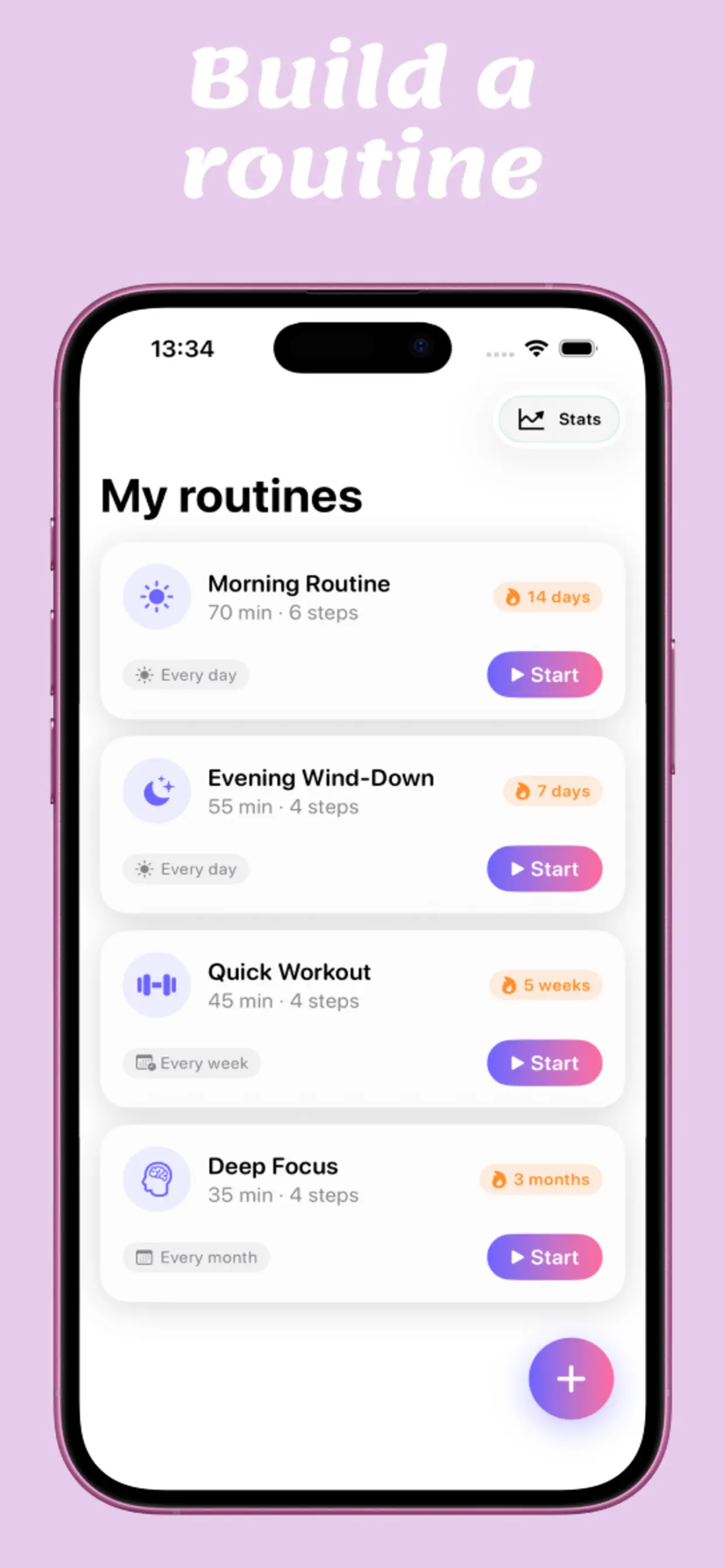
You already know what you want to do. Days is the guided daily routine planner that removes the repeated decisions—showing one timed step, then the next, until you’re done.
Not a discipline problem
Planners record your intentions. Habit trackers record the result. Days helps in the moment between them—when you need to begin and keep going.
Before Days
Check the time. Choose the next action. Restart after an interruption. Every transition asks more of you.
With Days
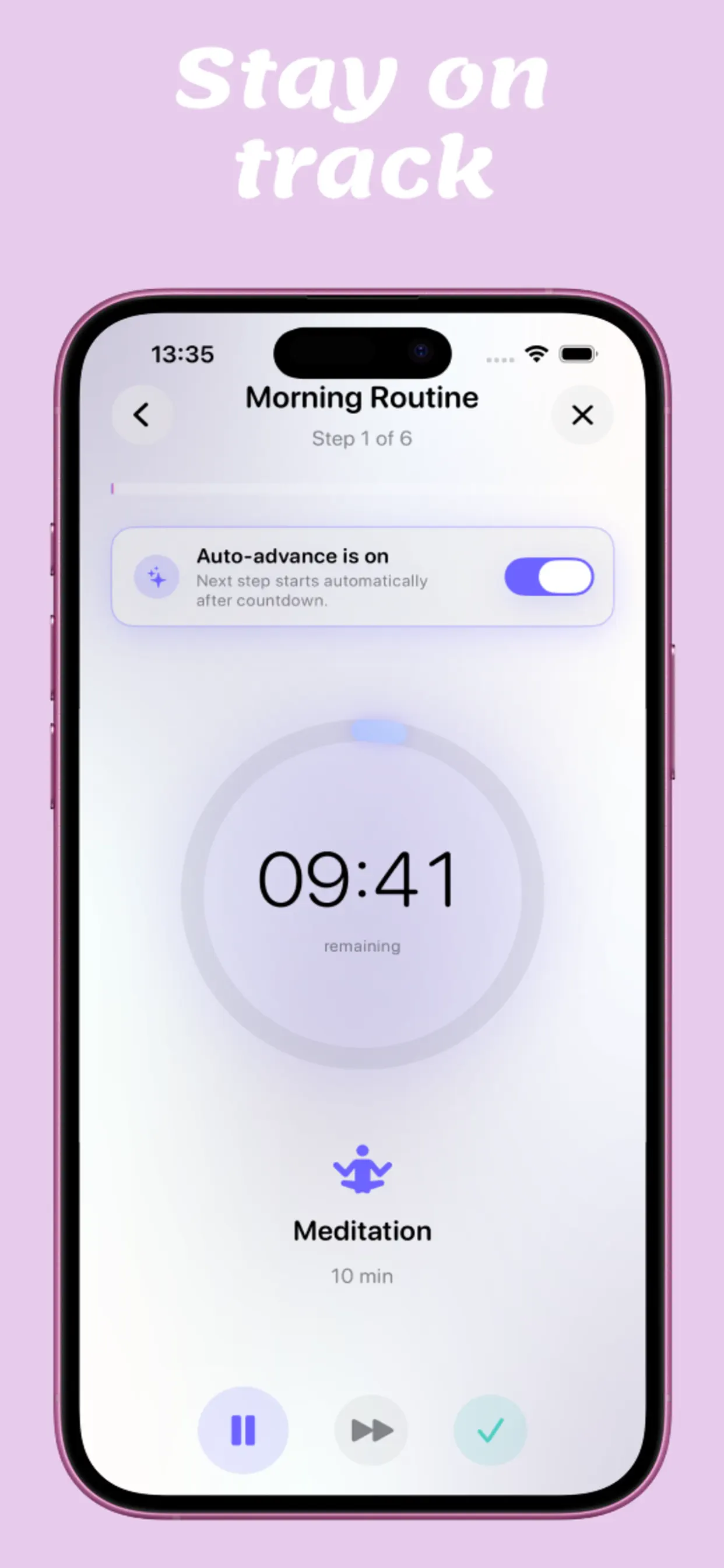
One step, one timer, one calm path from feeling stuck to a routine completed.
How it works
Days combines a routine planner, a step timer, and automatic progression—so your plan becomes something you can perform.
Start with the guided Day Reset and complete three small actions before configuring anything.
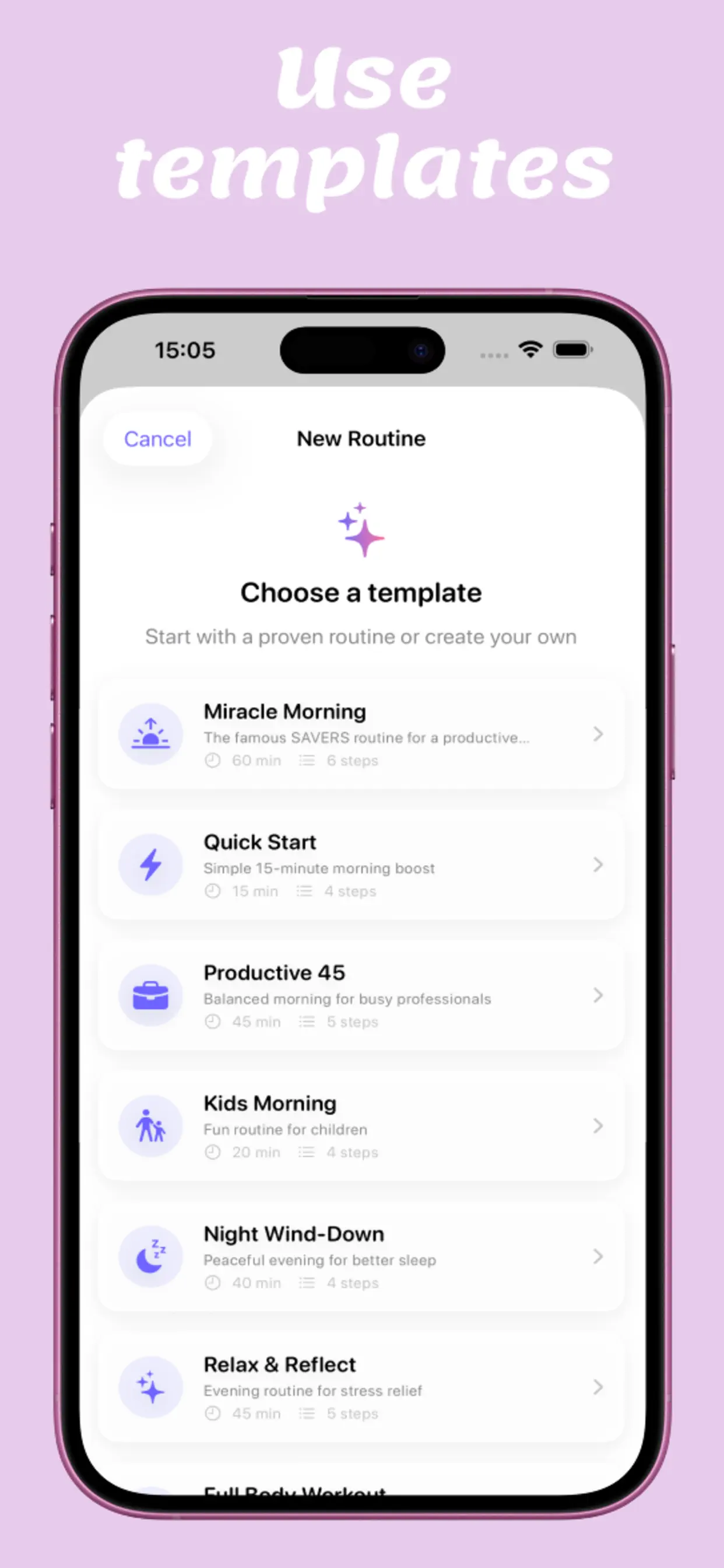
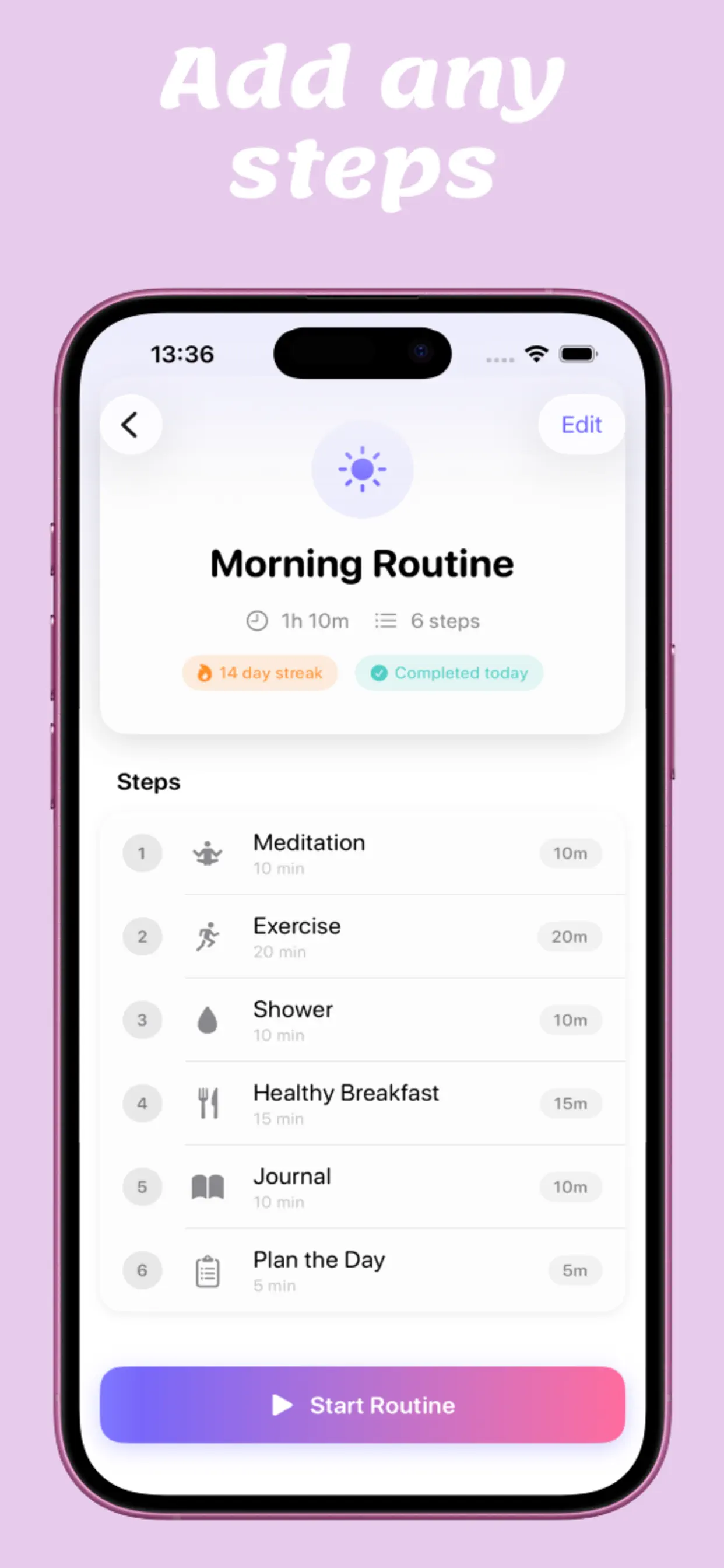
Choose a template or build your own steps, timing, repeat schedule, and gentle reminder.
Stay with the current action while the timer and auto-advance make the next step obvious.
Built for execution
No bouncing between a planner, timer, and notes app. Days holds the sequence and the pace so you can stay with the action in front of you.
Your day, your rhythm
Morning energy, deep focus, workouts, kids’ routines, self-care, and evening calm.
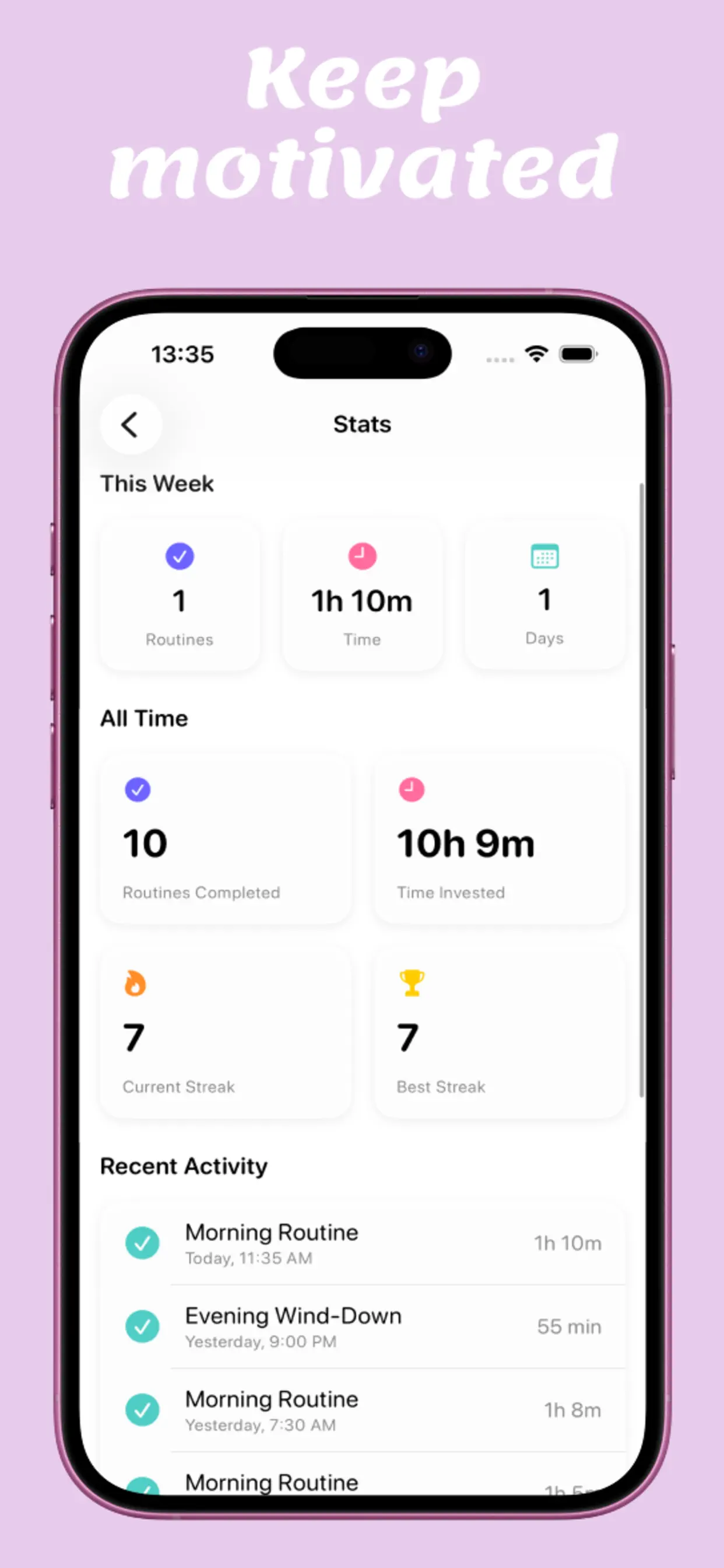
Track completed routines, time invested, recent activity, and streaks—without guilt-heavy pressure.
Schedule each routine and return with less friction.
Use the Home Screen widget to keep the day’s rhythm visible.
Designed to feel calm
Build, personalize, follow, and finish—all inside one soft, focused flow.
More than mornings
Start with clarity instead of reacting to the day.
☀Move into meaningful work without drifting between tasks.
◉Time every interval and keep your body moving.
↗Close the day gently with a rhythm that supports rest.
☾Good to know
Everything you need before building your first routine.
Days turns your routine into timed steps. You can begin with the guided 60-second Day Reset, focus on the current action, and let automatic progression make the next step obvious.
Yes. Build your own or start from templates for mornings, deep focus, workouts, self-care, kids’ routines, and evening wind-downs.
Yes. Days is free to download and includes up to two routines, guided playback, starter templates, the default widget, and a current-week summary. Optional subscriptions unlock premium features.
Yes. Days is designed for iPhone and iPad and requires iOS or iPadOS 18.6 or later.
Your next step
Try the 60-second Day Reset, then build a daily rhythm that feels supportive—not demanding.
Download free on the App Store ↗ Free to download · Optional in-app purchases · iPhone & iPad